
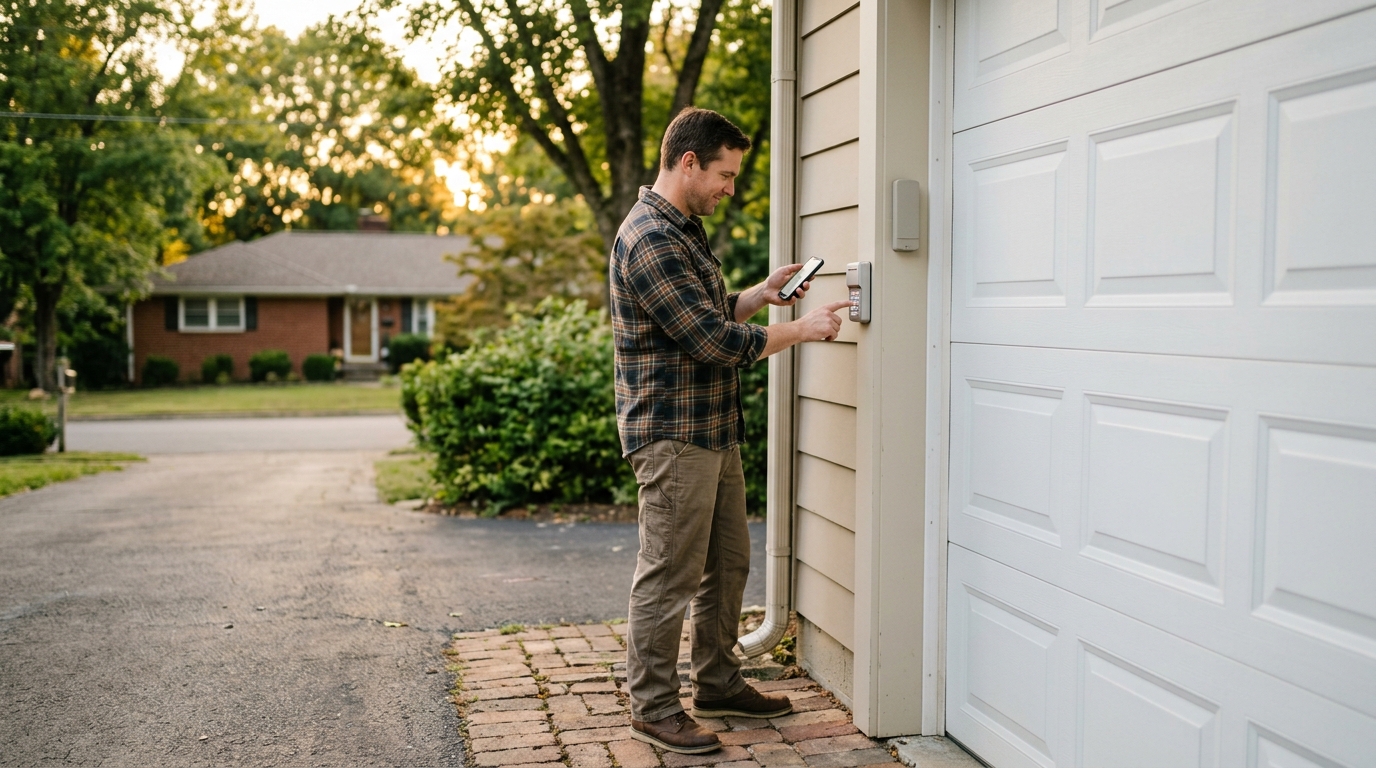
How to Program a Garage Door Keypad: A Middle Tennessee Guide
Mastering Your Home Access: How to Program a Garage Door Keypad
Whether you are returning home from a late-night show at the Ryman or coming back from a Saturday morning hike at Percy Warner Park, nothing is more frustrating than a garage door that won’t open. For many homeowners in Nashville, Franklin, and Brentwood, the exterior keypad is a lifeline for convenience, allowing kids to get inside after school or providing access for dog walkers while you are at work in the Gulch. However, technology can sometimes be finicky. If you find yourself wondering how to program a garage door keypad, you are in the right place. Dominion Door Systems is here to help our Middle Tennessee neighbors keep their homes secure and accessible.
In this comprehensive guide, we will walk you through the step-by-step process of programming and resetting your garage door keypad. We will cover the most common brands found in homes from East Nashville to Columbia, ensuring you can get back to your routine without the hassle. If your system seems to be more than just a programming error, our experts offer professional garage door keypad and remote programming across the entire Nashville metro area.
Understanding the Basics of Garage Door Programming
Before you dive into the buttons and sequences, it is essential to understand the technology behind your system. Most modern garage door openers in the Nashville area use "rolling code" technology. This means that every time you use your remote or keypad, the code changes to prevent hackers from intercepting the signal. This is why a simple "one-and-done" setup is required to sync your external keypad with the motor unit hanging from your garage ceiling.
Whether you live in a historic home in Germantown or a new build in Murfreesboro, your system likely falls into one of three categories: LiftMaster/Chamberlain/Sears Craftsman, Genie/Overhead Door, or Universal systems. Each has a slightly different method for synchronization.
Locating the "Learn" Button
The first step in learning how to program a garage door keypad is locating the "Learn" button on your garage door opener motor. This button is the brain of the operation. You will usually need a ladder to reach the motor unit. In many Nashville garages, this unit is located in the center of the ceiling. Look for a colored button (it might be hidden behind a light lens cover) on the side or back of the motor.
| Button Color | Frequency/Year | Common Brands |
|---|---|---|
| Yellow | Security+ 2.0 (2011-Present) | LiftMaster, Chamberlain |
| Purple | 315 MHz (2005-2014) | LiftMaster, Chamberlain |
| Red or Orange | 390 MHz (1997-2005) | LiftMaster, Chamberlain, Craftsman |
| Green | 390 MHz (1993-1997) | LiftMaster, Chamberlain |
Step-by-Step: How to Program a Garage Door Keypad for LiftMaster and Chamberlain
LiftMaster and Chamberlain are the most prevalent brands in areas like Belle Meade and Forest Hills. If you have one of these units, follow these steps to program your keypad:
- Press and Release: Locate the "Learn" button on the motor unit. Press and immediately release it. Do not hold it down, as this might erase all existing remotes from the system.
- Indicator Light: A small LED light next to the Learn button will glow steadily for about 30 seconds. This is your window to program the keypad.
- Enter Your Code: Within that 30-second window, go to your exterior keypad and type in your desired 4-digit PIN.
- Finalize: Press and hold the "Enter" button on the keypad. The light on the garage door opener motor will flash (or the light bulb will blink) to indicate that the programming was successful.
If your motor unit is older and your keypad still isn't responding, you might be facing a deeper mechanical issue. Our team provides comprehensive garage door opener repair in Nashville to ensure your system’s hardware is functioning as well as its software.
Programming Genie and Overhead Door Keypads
Genie systems are also common throughout Middle Tennessee, from Gallatin to Thompson’s Station. Their programming sequence is slightly different:
- Initial Setup: On the keypad, press and hold the "Program" and "8" buttons simultaneously until the backlighting goes out.
- Enter Default Code: Press 3, 5, 7, and then "Program."
- Enter New PIN: Type your new 4-digit PIN and press "Program."
- Sync with Motor: Press the "Learn Code" button on your Genie motor unit. The LED will flash.
- Final Link: Go back to the keypad and slowly press your PIN, followed by the "Up/Down" or "Enter" button three or four times until the door starts to move.
Troubleshooting Common Keypad Issues in Middle Tennessee
Sometimes, knowing how to program a garage door keypad isn't enough because external factors are at play. Living in Middle Tennessee, our garage doors face specific environmental challenges. Here are a few reasons your programming might fail:
1. The Tennessee Humidity and Battery Corrosion
Nashville’s high humidity can lead to moisture buildup inside your keypad’s casing. This often causes batteries to corrode or terminals to rust. If your keypad isn't responding to any button presses, check the 9V battery first. Replace it with a fresh one before attempting to reprogram.
2. Frequency Interference
In densely populated areas like The Gulch or Midtown, signal interference is a common problem. Other wireless devices or even LED light bulbs inside the garage can interfere with the signal between the keypad and the opener. If you are struggling, try turning off the garage lights during the programming process.
3. Stuck Buttons
Dust and debris from Nashville’s frequent construction and pollen seasons can get lodged behind the keys. If a button is physically stuck, the keypad will not transmit a signal. Gently clean the keypad with a damp cloth and compressed air to ensure the buttons click properly.
Safety and Security: Why You Should Reset Your Code Regularly
Whether you’ve just moved into a new home in Sylvan Park or you’ve lived in Mt. Juliet for decades, security should be a top priority. Programming your keypad is not just a setup task; it is a security maintenance task. We recommend changing your code at least once a year and immediately after having home repairs done by contractors or after a change in household residents.
For those looking for maximum security, consider our garage door maintenance program. Regular professional inspections ensure that not only is your keypad programmed correctly, but your springs, rollers, and sensors are in peak condition to prevent unauthorized entry or mechanical failure.
Keypad Best Practices
- Avoid Obvious Codes: Never use your street address, birth year, or "1-2-3-4."
- Monitor for Wear: If you use the same code for years, the buttons will physically wear down, showing burglars exactly which numbers are in your PIN.
- Upgrade to Smart Tech: Modern systems like the Dominion EZDoor offer integrated smartphone control, allowing you to bypass the physical keypad entirely using your phone’s biometric security.
Expert Assistance for All Middle Tennessee Neighborhoods
While many homeowners can handle a quick reprogram, some issues require a professional touch. If you have tried the steps above and your keypad still won't sync, there may be a faulty logic board in the motor or a wiring issue within the keypad itself. Dominion Door Systems provides same-day service to communities all over Middle Tennessee, including:
- Downtown Nashville & The Gulch
- Franklin & Brentwood
- Hendersonville & Mt. Juliet
- Columbia & Spring Hill
- Dickson & Fairview
- Murfreesboro & Smyrna
Frequently Asked Questions About Garage Door Keypads
How do I reset my garage door keypad if I forgot the old code?
You don't need the old code to reset most keypads. By using the "Learn" button on the motor unit in your garage, you can override the existing code and program a new one from scratch. This is a safety feature designed for new homeowners who don't know the previous owner's PIN.
Can I program multiple garage doors to one keypad?
Yes, most modern multi-button or universal keypads can control up to three separate garage doors. You will need to repeat the programming process for each door, assigning a different code or using a specific button sequence for each motor unit.
Why does my keypad blink but the door doesn't move?
A blinking light usually indicates that the keypad is in "lockout mode" or that the batteries are low. If you have a wall station inside your garage, check if the "Lock" button was accidentally engaged. This prevents all remotes and keypads from working until it is unlocked.
Trust Dominion Door Systems for Your Garage Needs
Understanding how to program a garage door keypad is a valuable skill for any Nashville homeowner. However, your garage door is a complex system of moving parts and electrical components. If you find yourself in need of more than just a programming tip—whether it is a broken spring, a misaligned track, or a full system replacement—Dominion Door Systems is just a phone call away.
From the bustling streets of Music Row to the quiet suburban neighborhoods of Nolensville and Kingston Springs, we are committed to providing fast, reliable service. Don’t let a malfunctioning keypad ruin your day. Contact us today for expert garage door repair and installation throughout Middle Tennessee. We offer same-day service to ensure your home remains safe, secure, and accessible.